
Audio tools
The audio tools are under Tools then Audio in the sidebar.
Text to Speech
Section titled “Text to Speech”Write or paste some text, pick one of 30 voices, and press Generate audio. Try a sample fills in example text if you just want to hear a voice first.
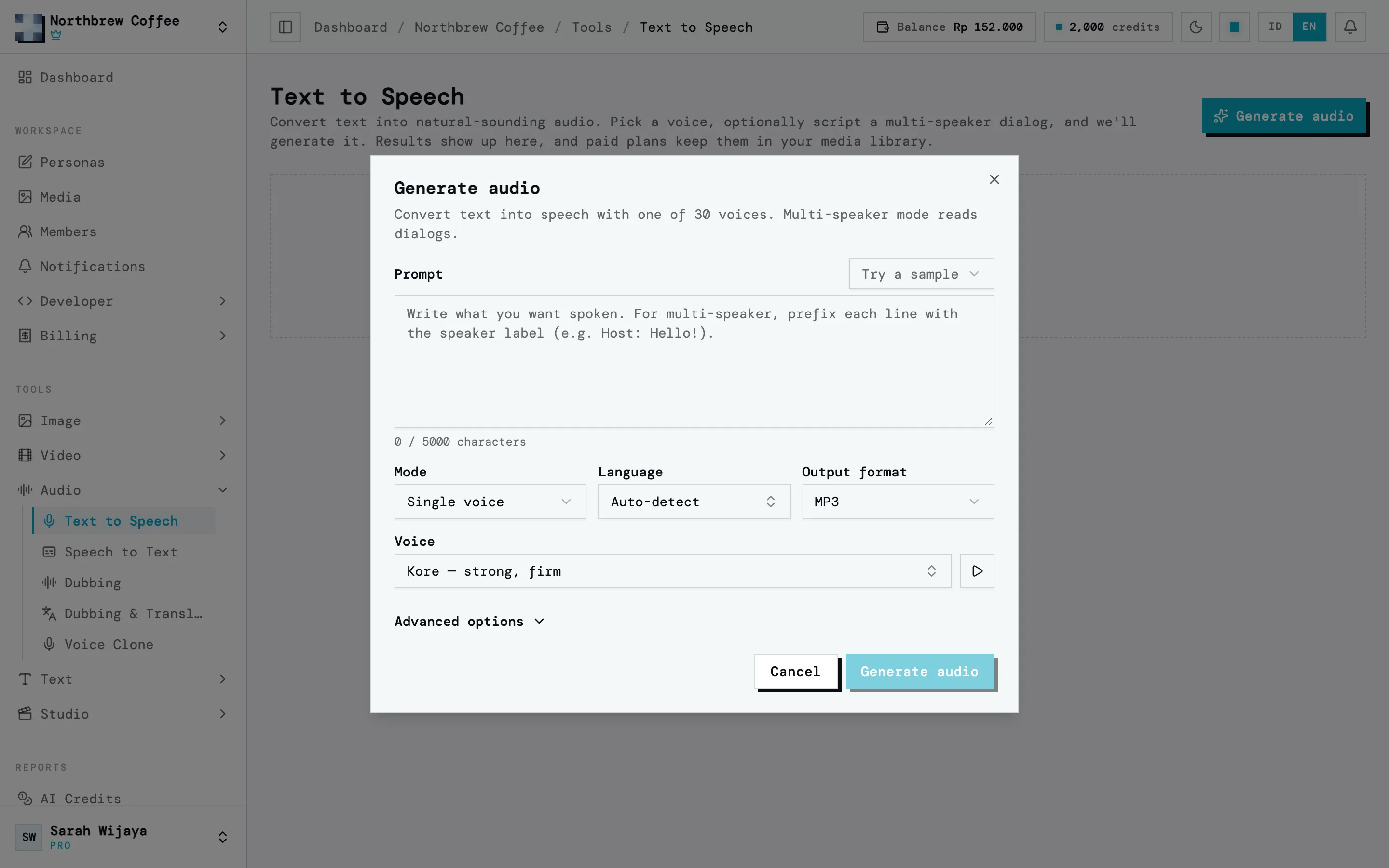
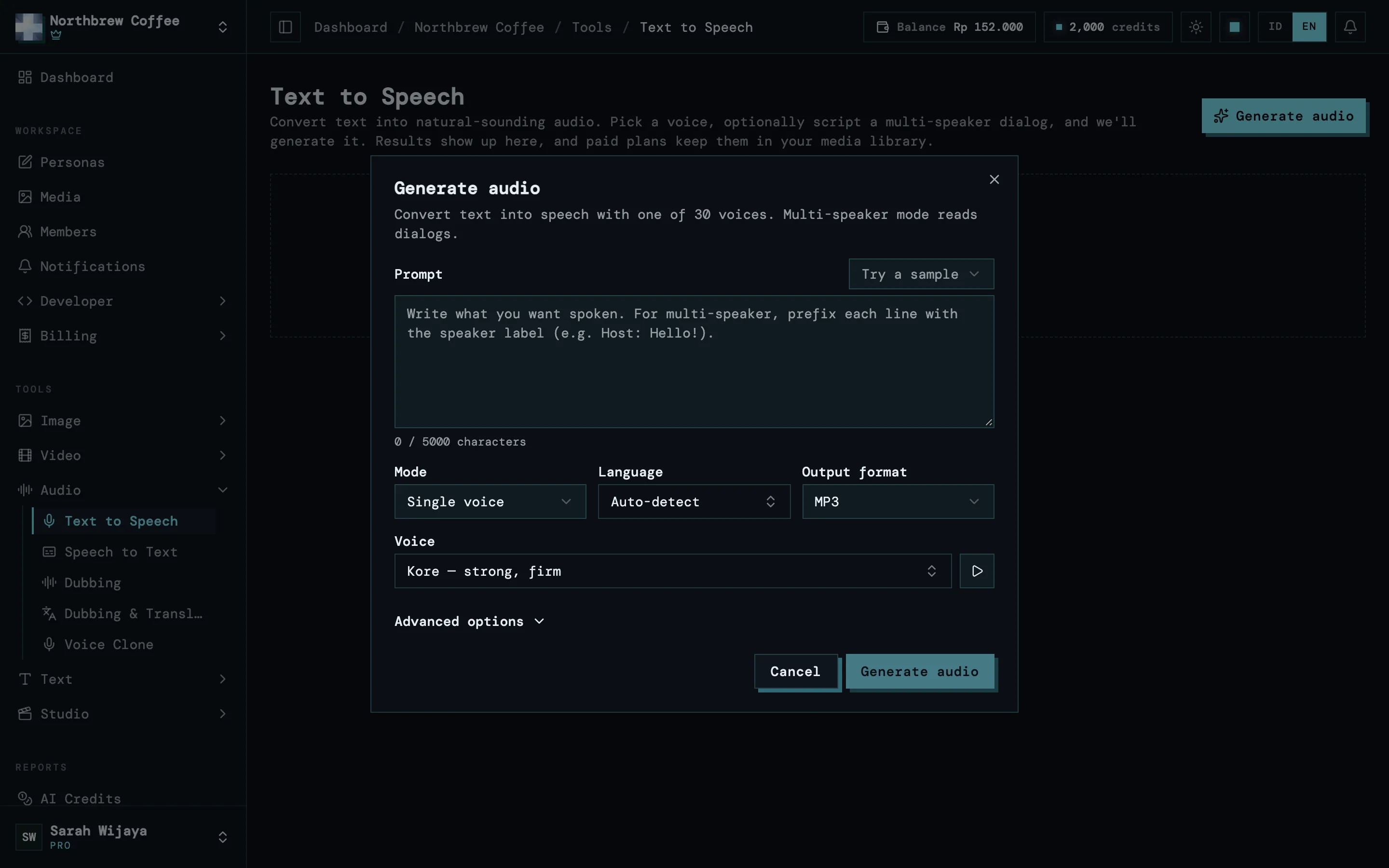
- One run takes up to 5,000 characters.
- Multi-speaker mode reads a dialog with a different voice per speaker, like a host and a guest for a podcast clip.
- It costs 3.6 credits per 100 characters.
Speech to Text
Section titled “Speech to Text”Transcribe audio into text. Upload a file, pick one from your library, or paste a public audio URL. Supported formats are mp3, wav, m4a, ogg and aac. The language is detected automatically, or you can pick it yourself.
There are two tasks:
- Transcribe: the text stays in the original language.
- Translate to English: you get English text straight away.
The transcript comes with timestamps per segment, and downloads as .txt or .srt for subtitles. It costs 1 credit per audio-minute.
Dubbing
Section titled “Dubbing”Replace the speech in a video with new audio, with the lip movement matched to it. Pick the video, then paste an mp3 or wav URL for the new audio. A Text to Speech result works well here. It’s priced per second of output video.
Dubbing & Translate
Section titled “Dubbing & Translate”Dub a video into another language in one go. Wujud transcribes the speech, translates it, makes a new voiceover, and lip-syncs it back onto the video. You pick the target language and the voice that reads it.
The price adds up the lip-sync (per second), transcription, translation and the new voice. The voice part depends on how much is said, so the estimate before you run it is an approximate figure.
Voice Clone
Section titled “Voice Clone”Clone your own voice from a short sample, then narrate any script in that voice. Press Voice studio to start. There are two tabs:
- Clone a voice: give it a name and upload a clear sample of your voice, 10 to 30 seconds long. Cloning is paid once.
- Narrate: pick a cloned voice, write the script, pick a format, and generate the narration.
You have to confirm it’s your own voice and that you agree to it being cloned. Cloning anyone else’s voice isn’t allowed. A cloned voice can stay in one workspace or be shared across all of yours.