Text tools
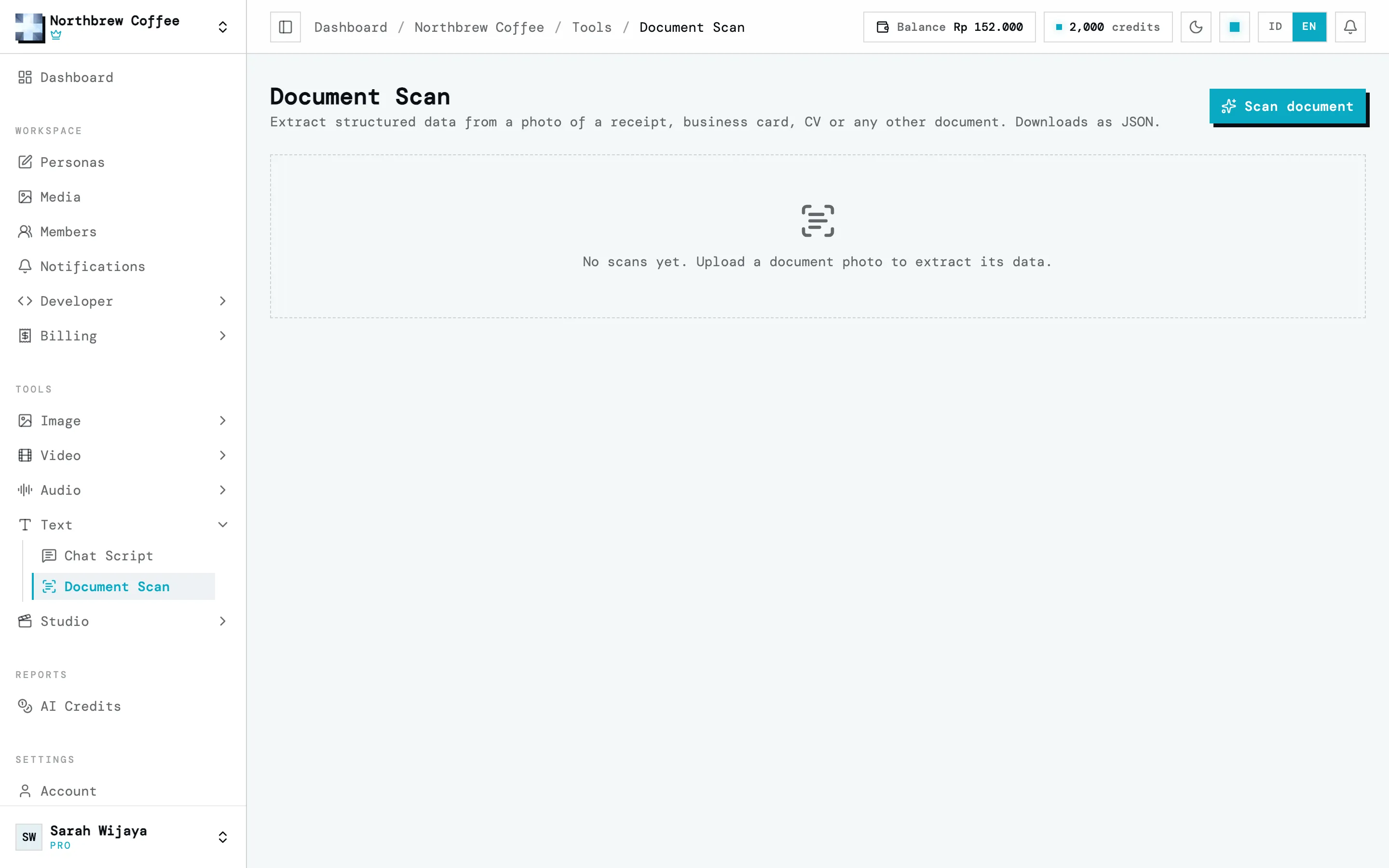
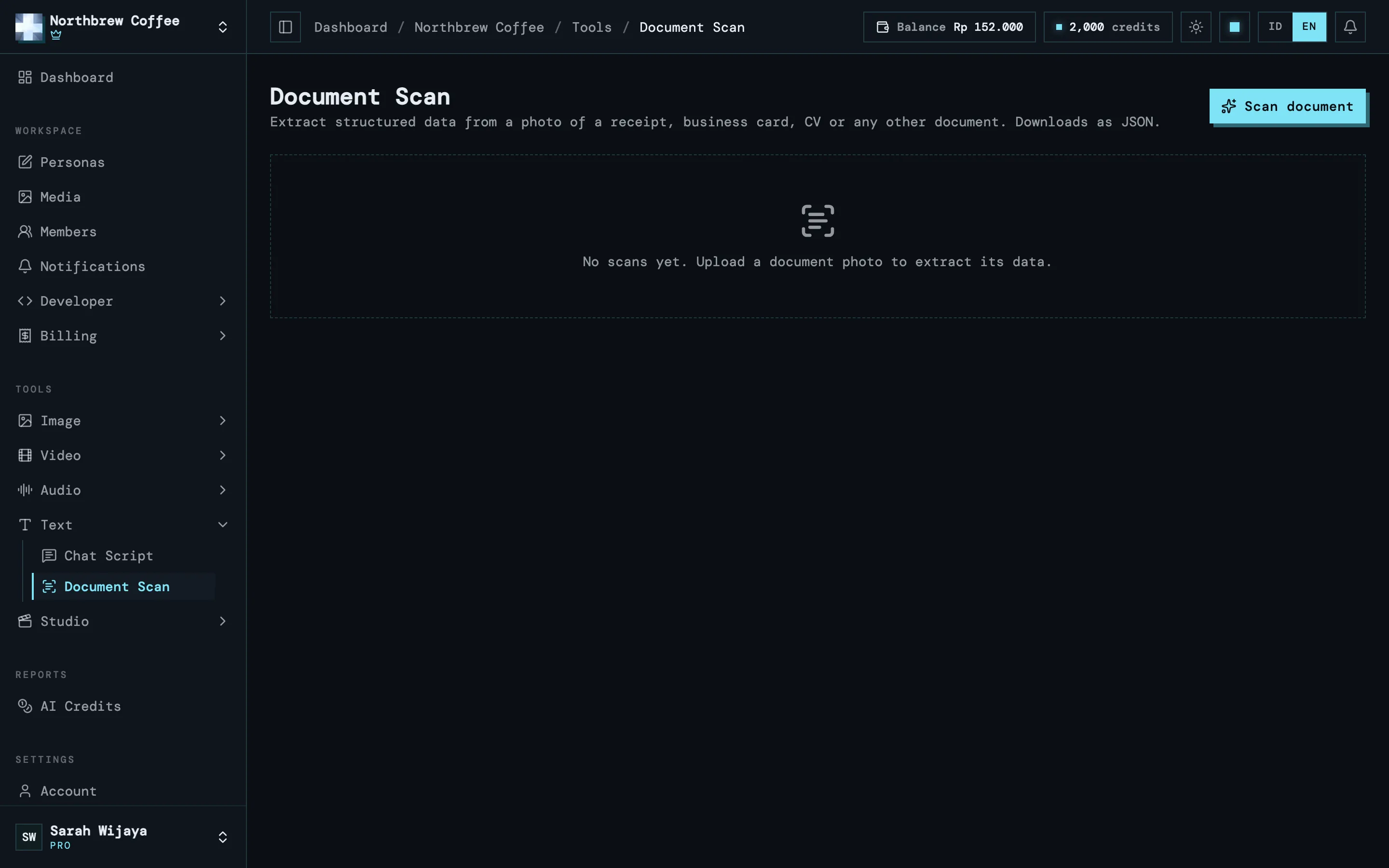
The text tools are under Tools then Text in the sidebar.
Chat Script
Section titled “Chat Script”Describe a scenario, like “two friends planning a surprise birthday party”, pick the chat type (private or group) and name the participants. AI writes a realistic conversation as structured text. You can copy it, or turn it into an image with Chat Screenshot in the image tools. It’s priced per script and depends on the length.
Document Scan
Section titled “Document Scan”Take a photo of a document, upload it, and Wujud pulls its contents out as structured data you can download as JSON. Pick the document type first so the right fields are extracted:
- Receipt.
- Business card.
- CV / resume.
- Generic document, for anything that doesn’t fit the others.