
Quick start
The short version: sign up, top up, buy credits, run one tool. About ten minutes, and most of that is waiting for a result to finish.
-
Create your account
Sign up at wujud.app with an email and password, or with the Google or GitHub button. Every way in is covered in devices and sessions.
-
Set up a workspace
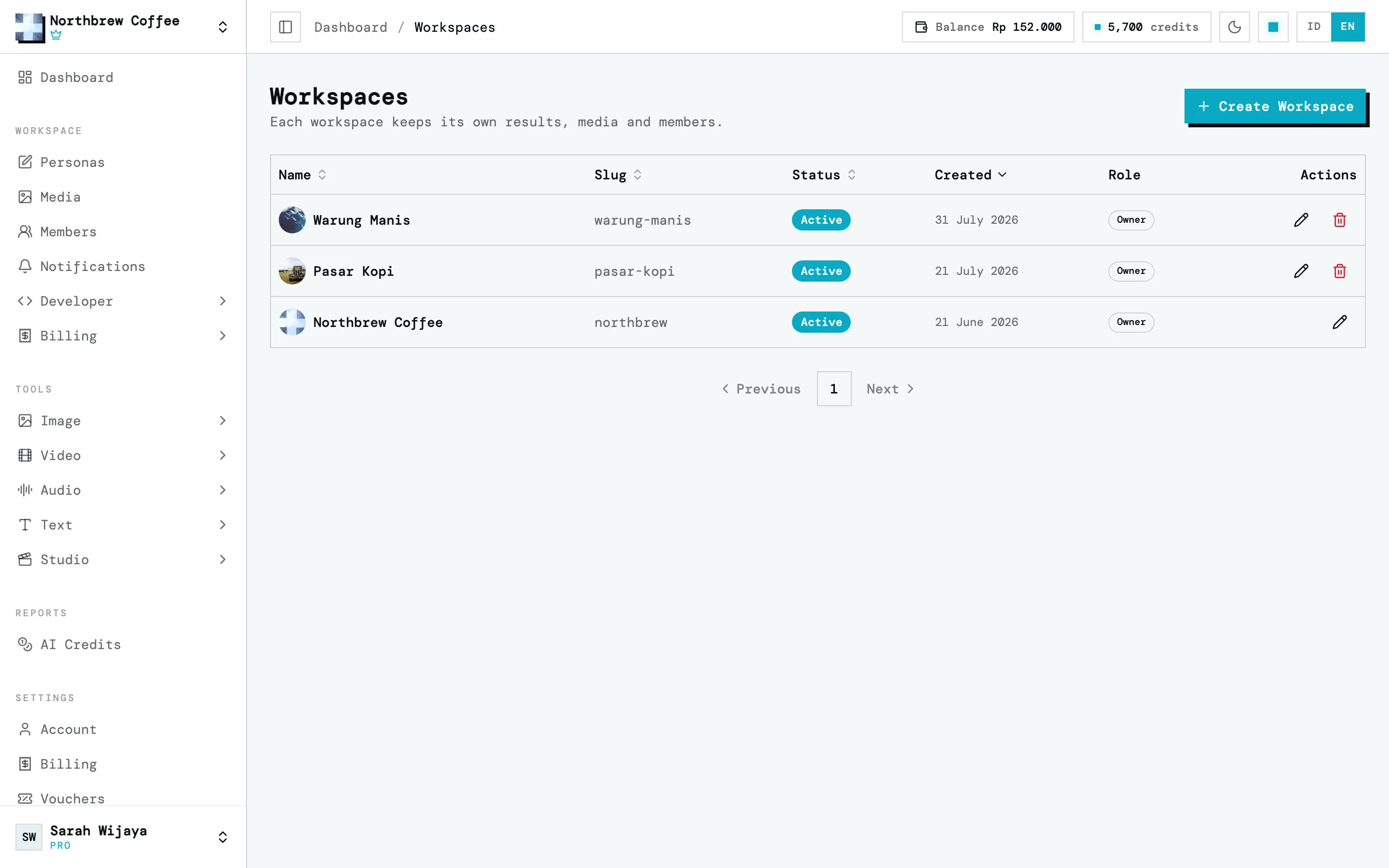
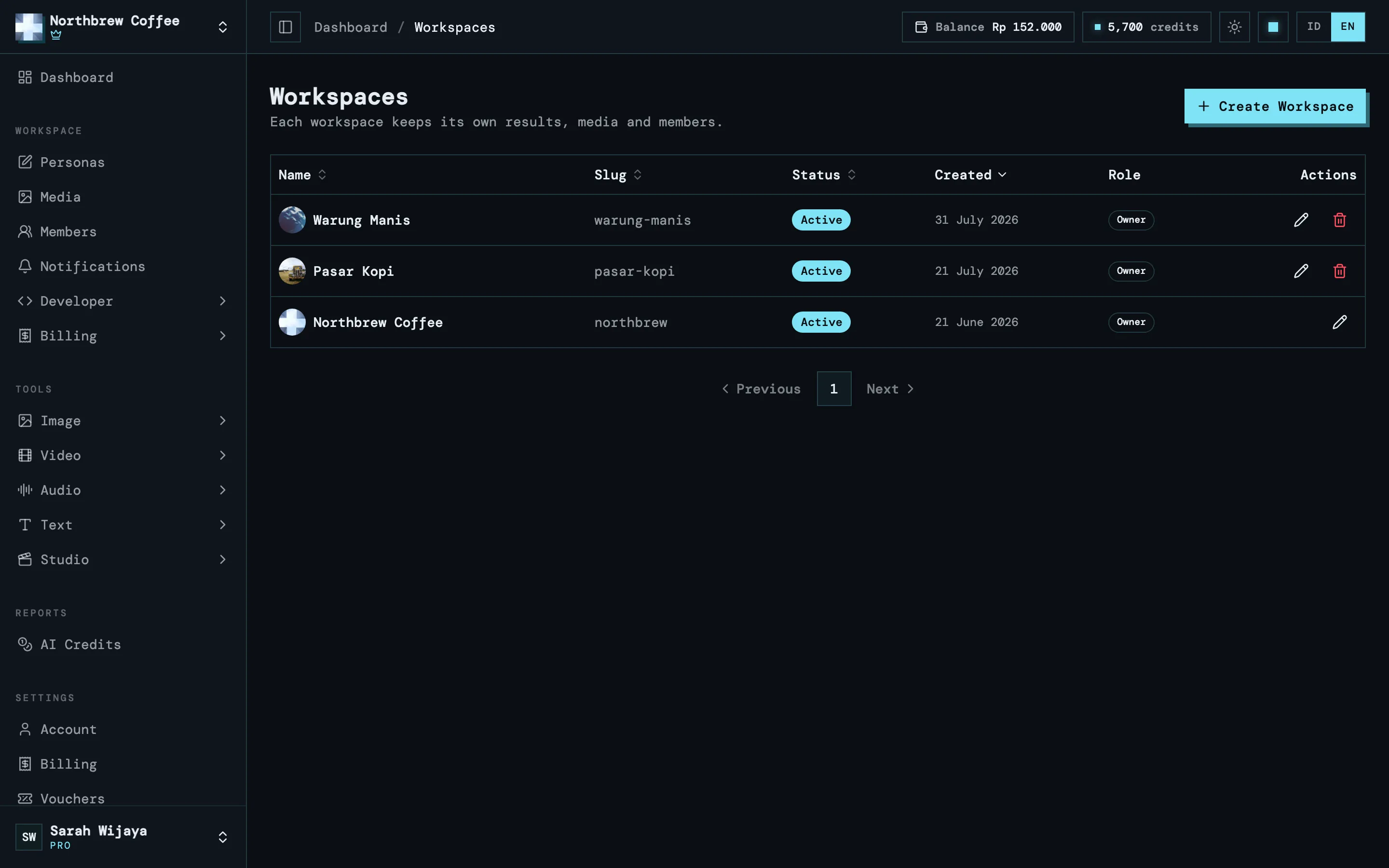
A workspace holds your results, uploads and team members. Open Settings then Workspaces, press Create Workspace, and give it a name you’ll recognise.
-
Top up and buy credits
Open Settings then Billing. On the Balance tab, enter a top-up amount and pay with QRIS from any banking or e-wallet app. The balance usually lands within a few seconds. Then open the Add-ons tab, pick a credit pack and pay for it from your balance.
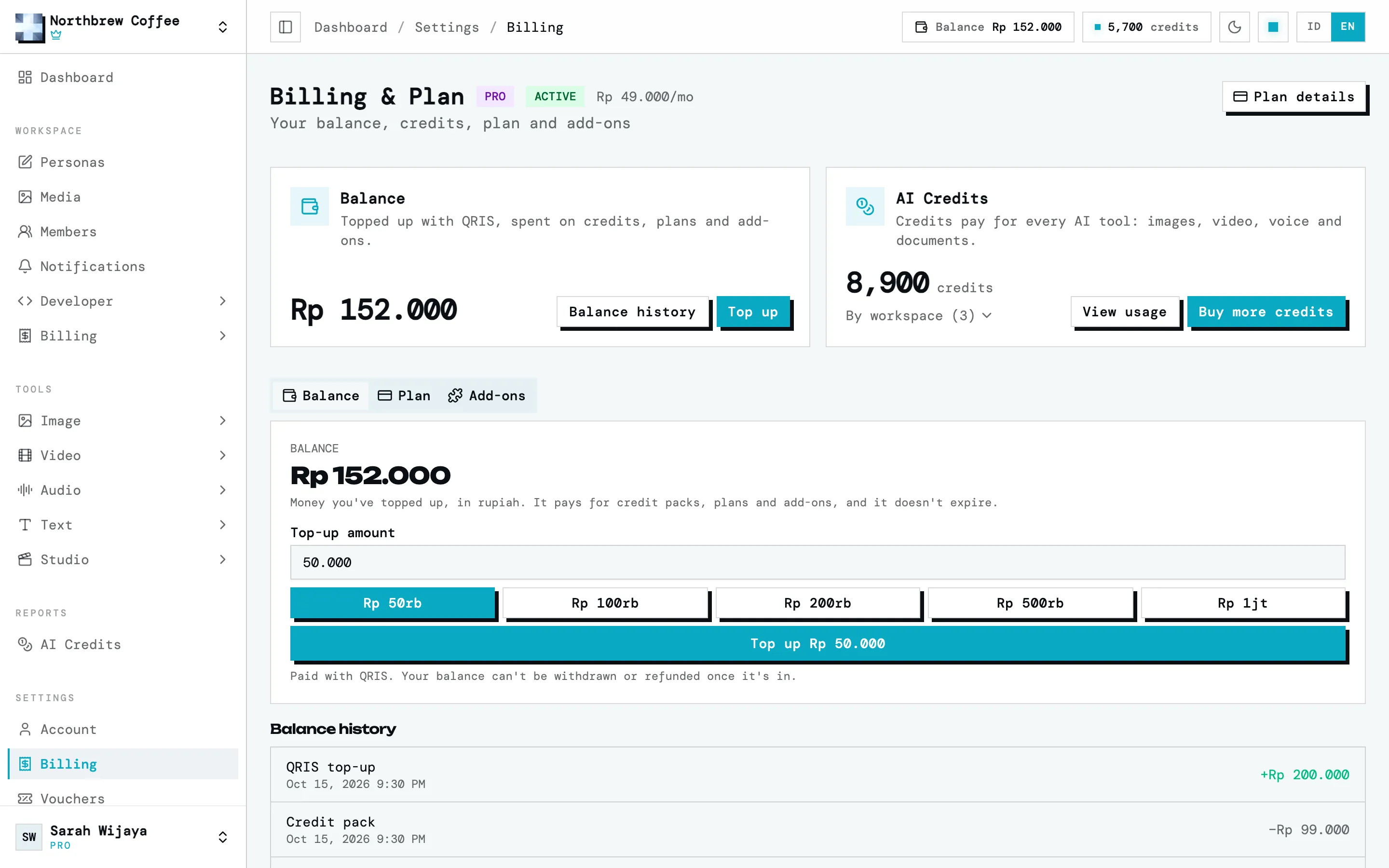
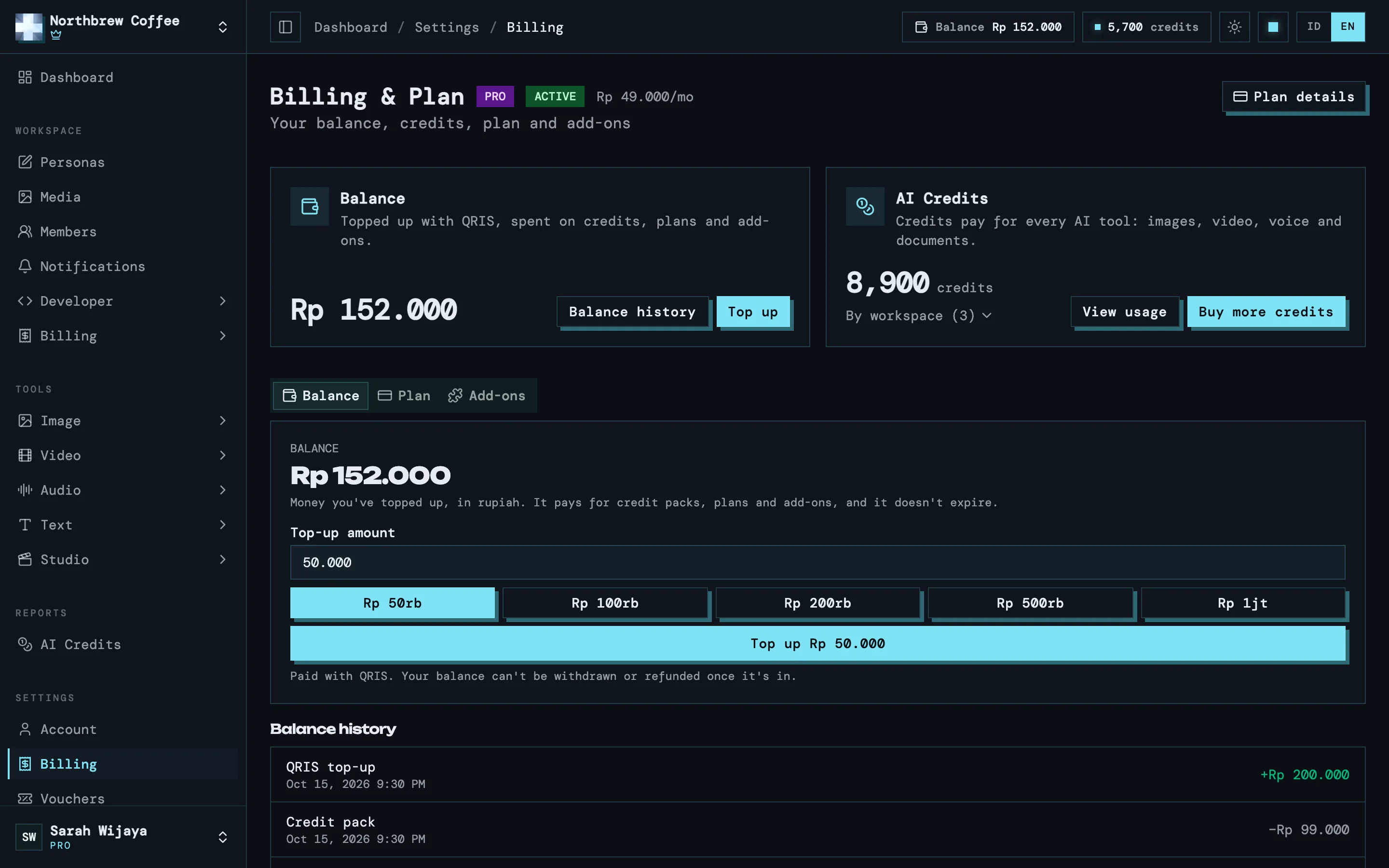
The full steps are in balance and top-up and AI credits.
-
Run your first tool
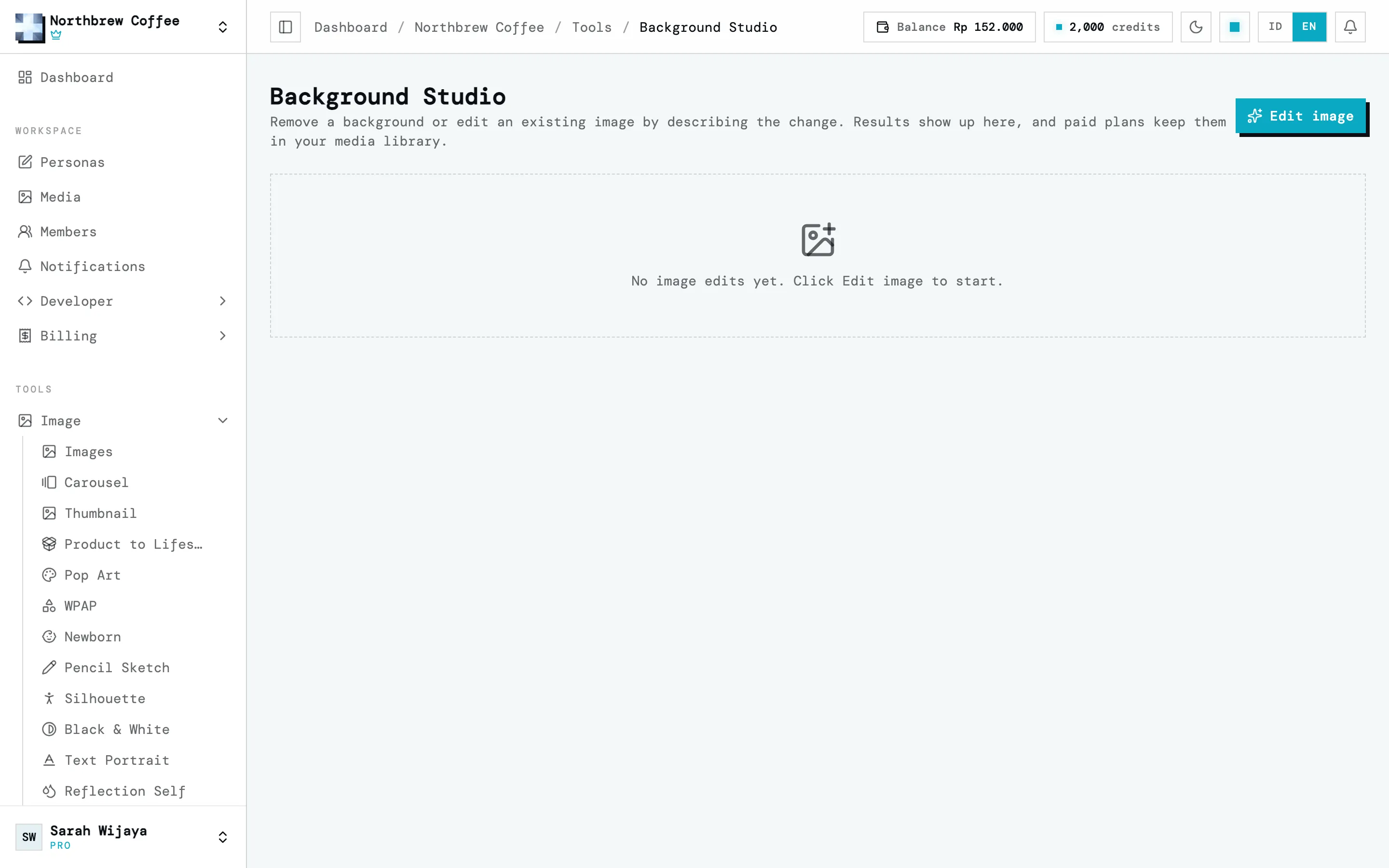
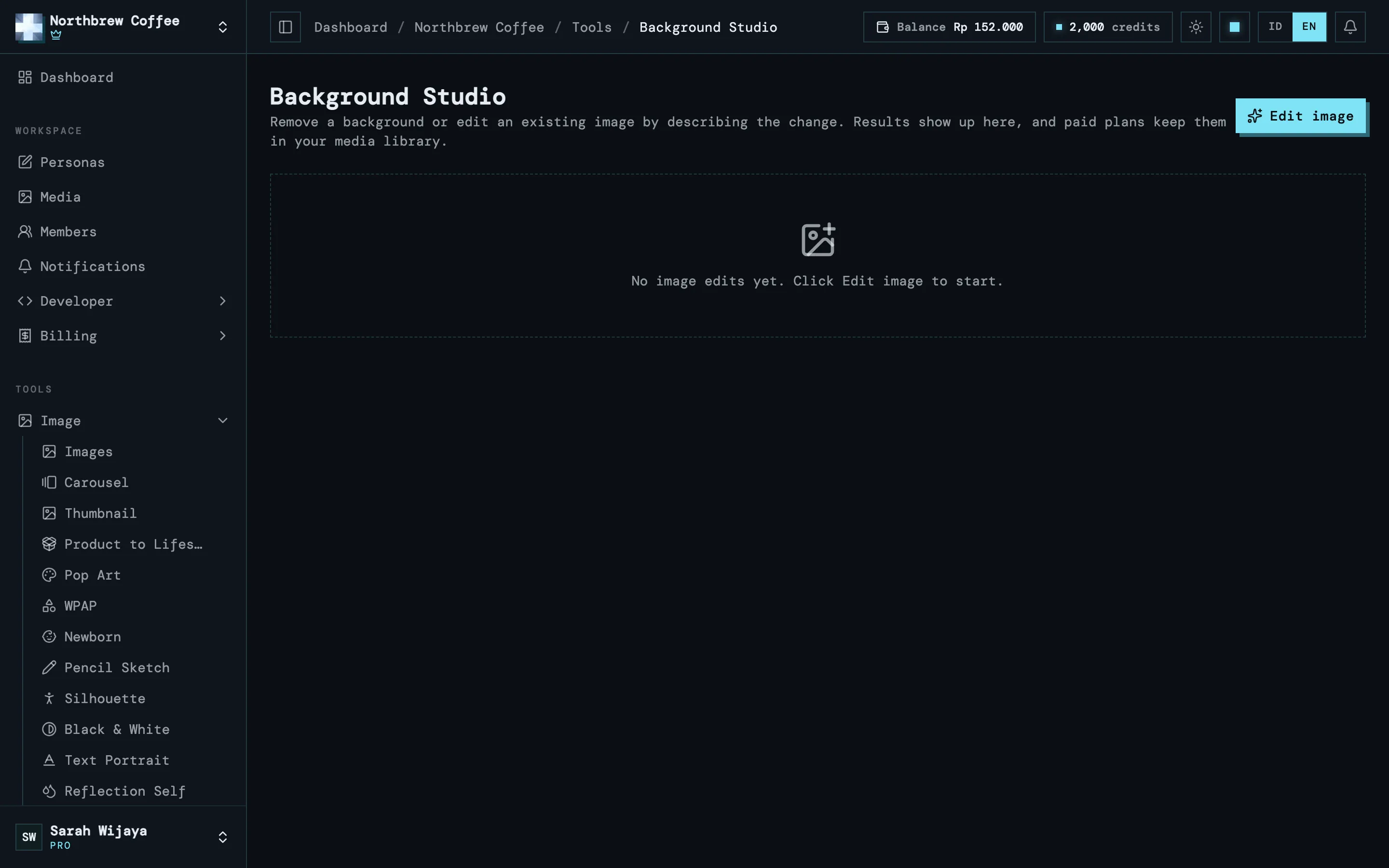
Every tool is in the Tools group in the sidebar, split into Image, Video, Audio, Text and Studio. Background Studio under Image is a good first try: upload a photo, choose to remove the background or describe the change you want, and run it.
Before it runs, every tool shows an estimate of the credits for that one run. Tools that work with photos of people also ask you to tick a consent statement. That’s explained in consent and attestations.
-
Download the result
The result shows up on the tool’s page as soon as it’s done, no reload needed. On a free account, results are deleted automatically after 1 hour, and the time left is shown on each file. Download what you want to keep before it runs out.
Where to next
Section titled “Where to next”- AI Studio overview to see every tool and what it’s for.
- Plans and add-ons if you want results kept for longer than an hour.
- Workspaces and members if you work with a team.