
Image
Make images from a prompt, remove or replace a photo’s background, design thumbnails and carousels.
Wujud is a set of AI tools for making content: make and edit images, restyle photos, turn text into speech, transcribe audio, dub a video into another language, and write chat scripts. You pay per use with credits, no subscription needed to get started.
Image
Make images from a prompt, remove or replace a photo’s background, design thumbnails and carousels.
Photo styles
Turn a photo into anime, a comic, watercolour, a sticker, WPAP, a pencil sketch and more.
Audio
Text to speech, speech to text with an .srt file, dubbing that keeps the lip-sync, and cloning your own voice.
Text
Realistic chat scripts, and structured data from a photo of a receipt or business card.
The full list is in the AI Studio overview.
Almost everything in Wujud is built on these.
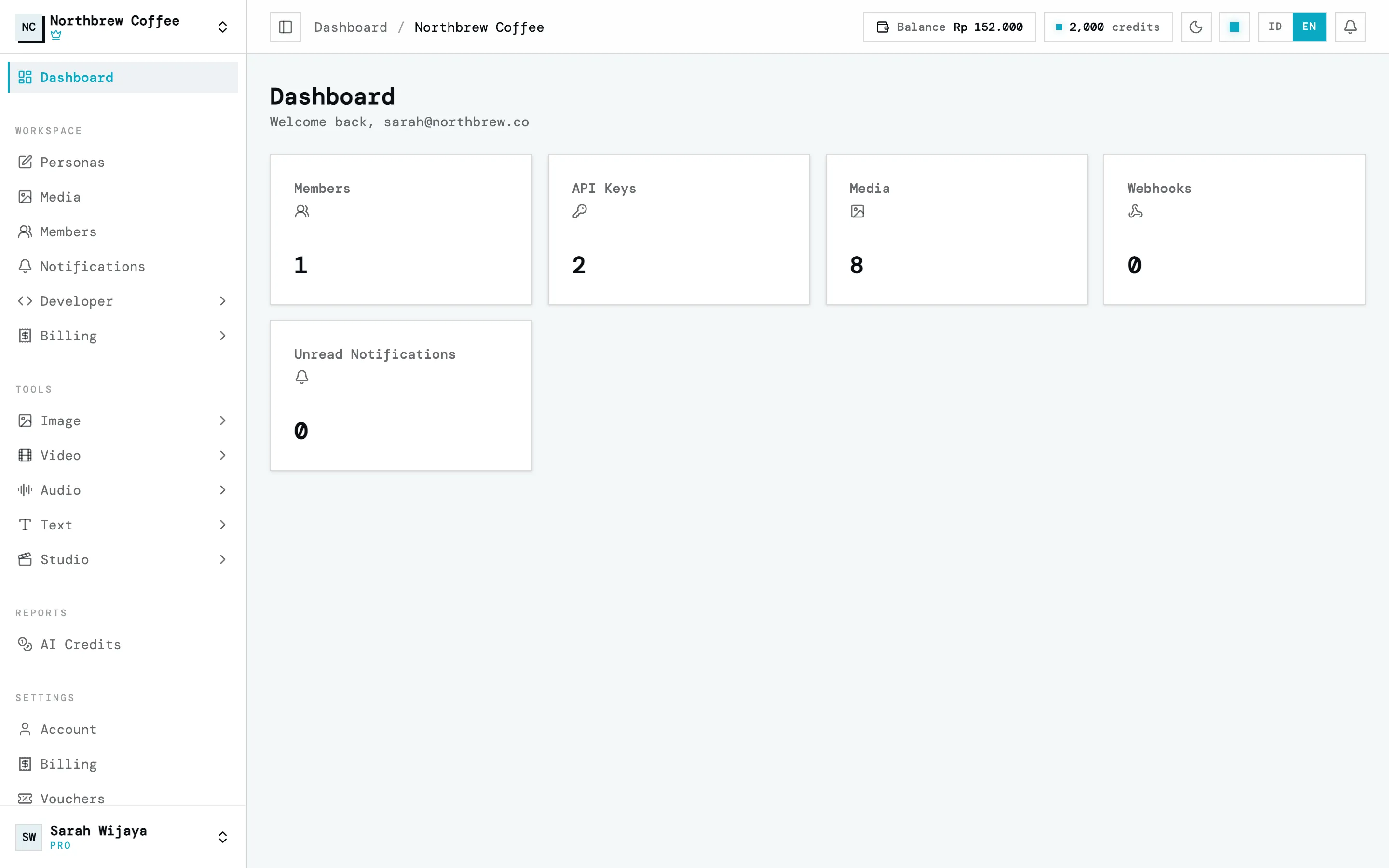
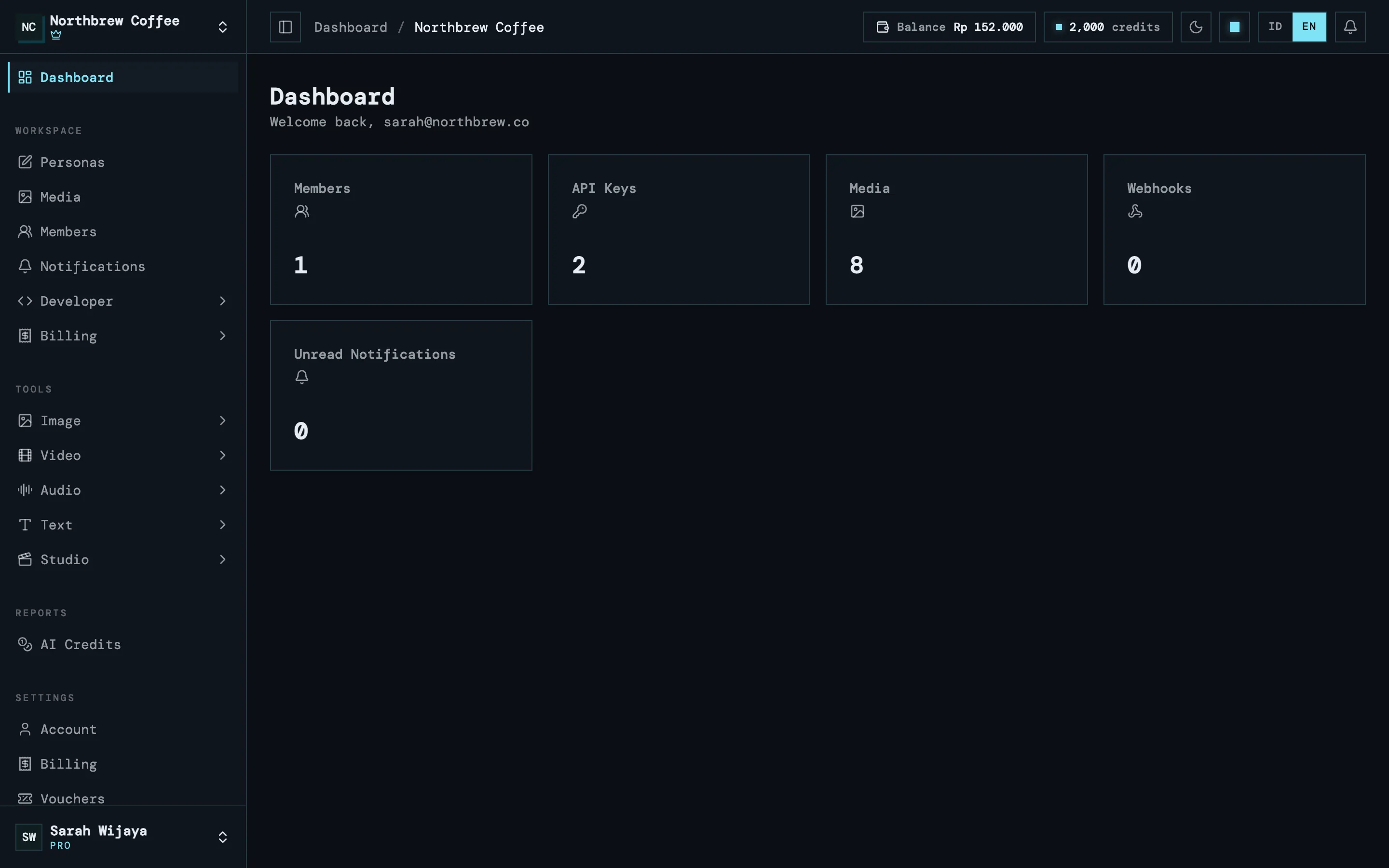
Workspace is where your work lives. Results, uploads and team members all belong to one workspace. Most people only need one. If you handle several brands or clients, make one each so nothing gets mixed up.
Balance is the rupiah you top up with QRIS. It doesn’t expire, but it can’t be withdrawn either. You spend it on credit packs. See balance and top-up.
Credits are what the AI tools run on. Every tool shows an estimate before it runs, so nothing starts without you seeing the number first. See AI credits.
Plan decides how long your results are kept. On a free account, files and results are deleted automatically after 1 hour. A paid plan keeps them in your media library until you delete them. See plans and add-ons.