
Balance and top-up
Everything in Wujud is paid from your balance: rupiah you top up yourself with QRIS. You spend that balance on credit packs for the AI tools.
Your balance doesn’t expire. But it can only be used inside Wujud, so it can’t be withdrawn, turned into cash or moved to another account.
Top up
Section titled “Top up”-
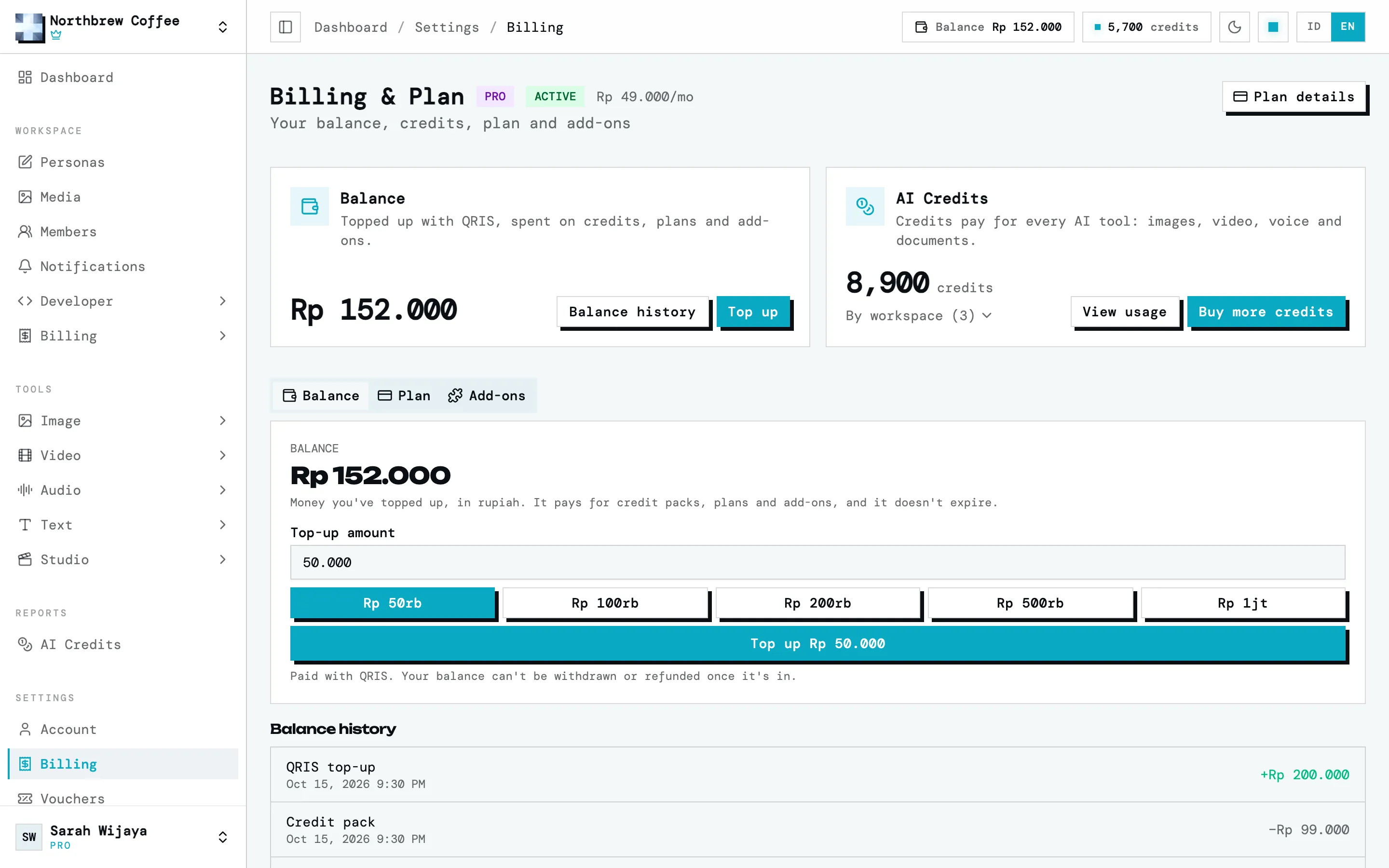
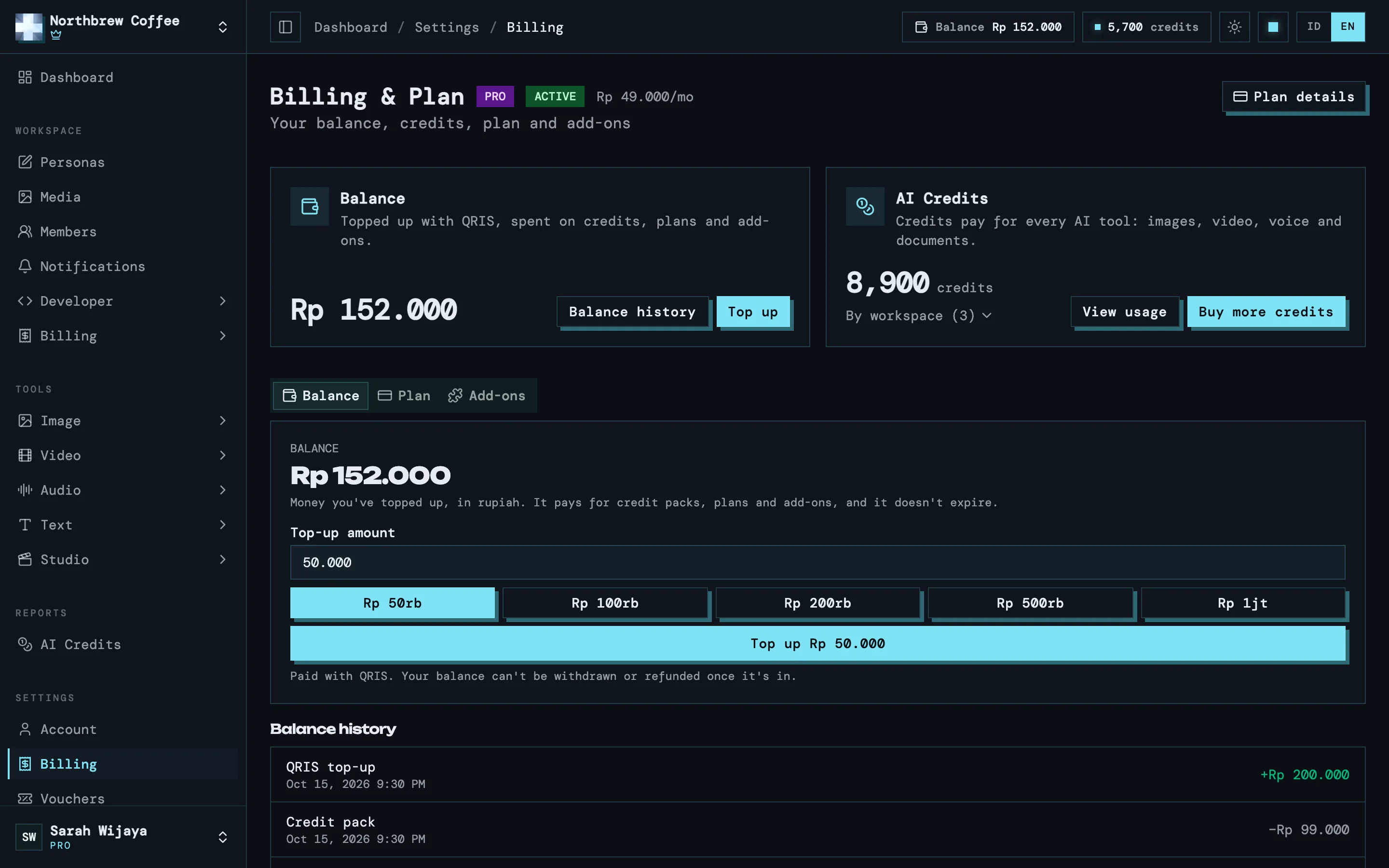
Open Settings then Billing. The Balance tab opens first.
-
Type an amount, or pick one of the quick buttons: Rp50.000, Rp100.000, Rp200.000, Rp500.000 or Rp1.000.000. One top-up is at least Rp10.000 and at most Rp10.000.000.
-
Press the top-up button. A QRIS code appears on screen.
-
Scan it with any banking or e-wallet app that supports QRIS, and pay. The code is valid for a limited time, shown under the code.
-
Your balance updates on its own once the payment is confirmed, usually within a few seconds. You can close the dialog any time, the top-up still goes through.
If a payment fails, runs out of time or you cancel it, nothing is added to your balance and no money is taken. You can try again straight away.
What it pays for
Section titled “What it pays for”- AI credit packs. The credits are spent on the AI tools. See AI credits.
- Paid plans and add-ons, once plans open. See plans and add-ons.
Credits you’ve bought can’t be turned back into balance.
Balance history
Section titled “Balance history”Under the top-up box is Balance history: every QRIS top-up, credit pack purchase, plan and add-on payment, adjustment from us, and money refunded to your balance. Each row shows the amount and the balance after it.
When money comes back
Section titled “When money comes back”A top-up is final once it’s in your balance. We don’t refund an unused balance, or a top-up you made by mistake or no longer need. So check the amount before you pay.
You get your money back if:
- You were charged twice for the same top-up.
- You paid but your balance never went up. It usually lands within a few minutes. If it’s still missing 24 hours after you paid and we can’t add it for you, we refund the payment.
For either case, email us with your Wujud account email, the amount and the time you paid. A screenshot of the payment helps. Refunds go out by bank transfer or e-wallet within 7 business days. The full details are in the Refund Policy.